Full learning program

Use the official Python tutorial, then practice every idea in Scorpion Python Shell.

The official Python 3.7 tutorial is the core curriculum. Scorpion Python Shell becomes the hands-on practice surface where learners run examples, modify them, and build confidence through reps.

print("Hello, Scorpion Python Shell") for step in ["learn", "practice", "build"]: print(step.upper())
Track 1: New to Python

Start with expressions, numbers, strings, lists, variables, if statements, loops, and functions.

  • Use Python as a calculator
  • Practice strings and lists
  • Write tiny loops and functions

Track 2: Python for AI

Build the foundation for prompts, data handling, reusable snippets, and future AI workflows.

  • Work with data structures
  • Format text and outputs
  • Think in small reusable steps

Track 3: Automation

Move from syntax into scripts, files, repeatable workflows, and practical automation thinking.

  • Read and write simple outputs
  • Handle errors and exceptions
  • Organize code with functions and modules

Weekly live training idea

Host a weekly Scorpion Python Shell Live session: one tutorial topic, one live walkthrough, three practice challenges, and a short AI or automation connection at the end.

  • Beginner-friendly Python reps
  • Screen-share install and workflow demos
  • Office-hours style troubleshooting
  • Newsletter follow-up with the practice prompts

Join for lessons and updates

The Solomon Christ AI + Automation Newsletter can carry the training calendar, starter guides, Scorpion Python Shell updates, and new store kit announcements.

What practice looks like

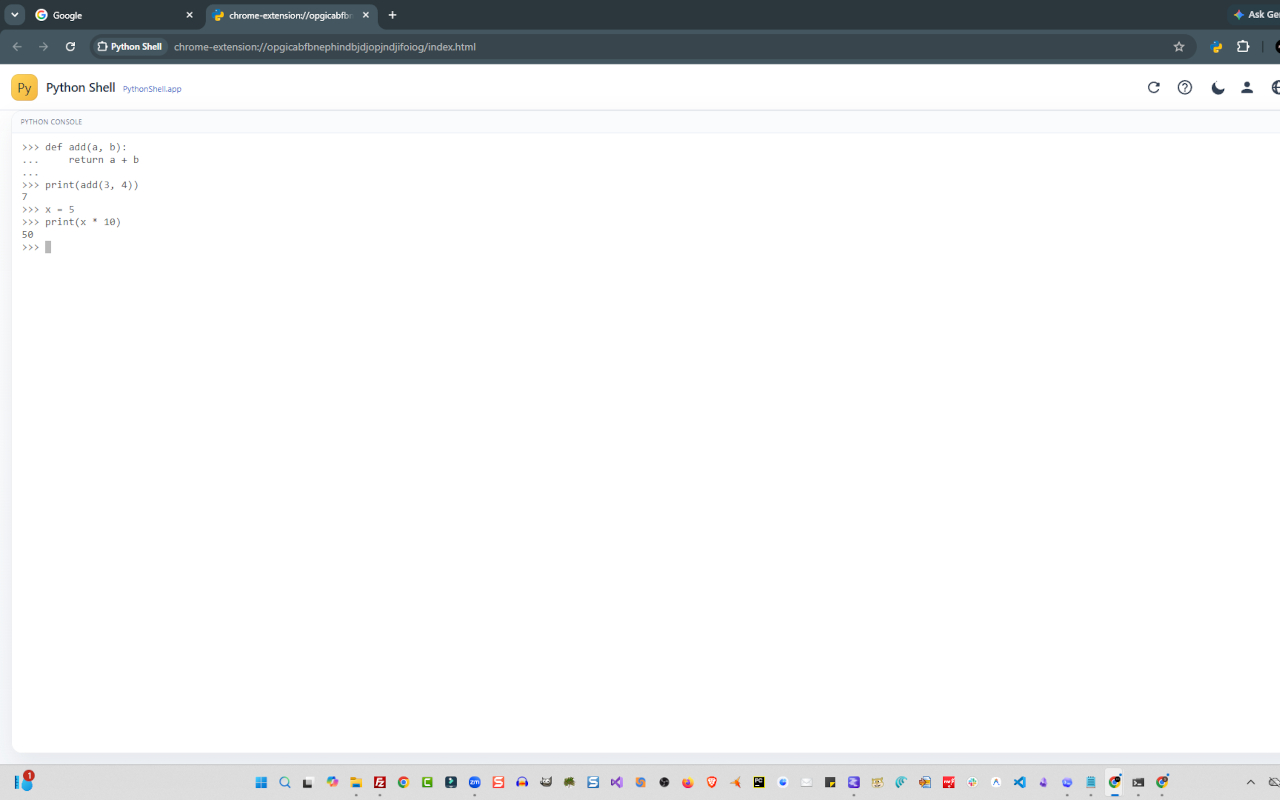
Use the full-tab workspace when you want a larger session surface for lessons and live training.

Scorpion Python Shell full tab learning view
Full-tab mode gives learners more room for multi-step tutorial practice.
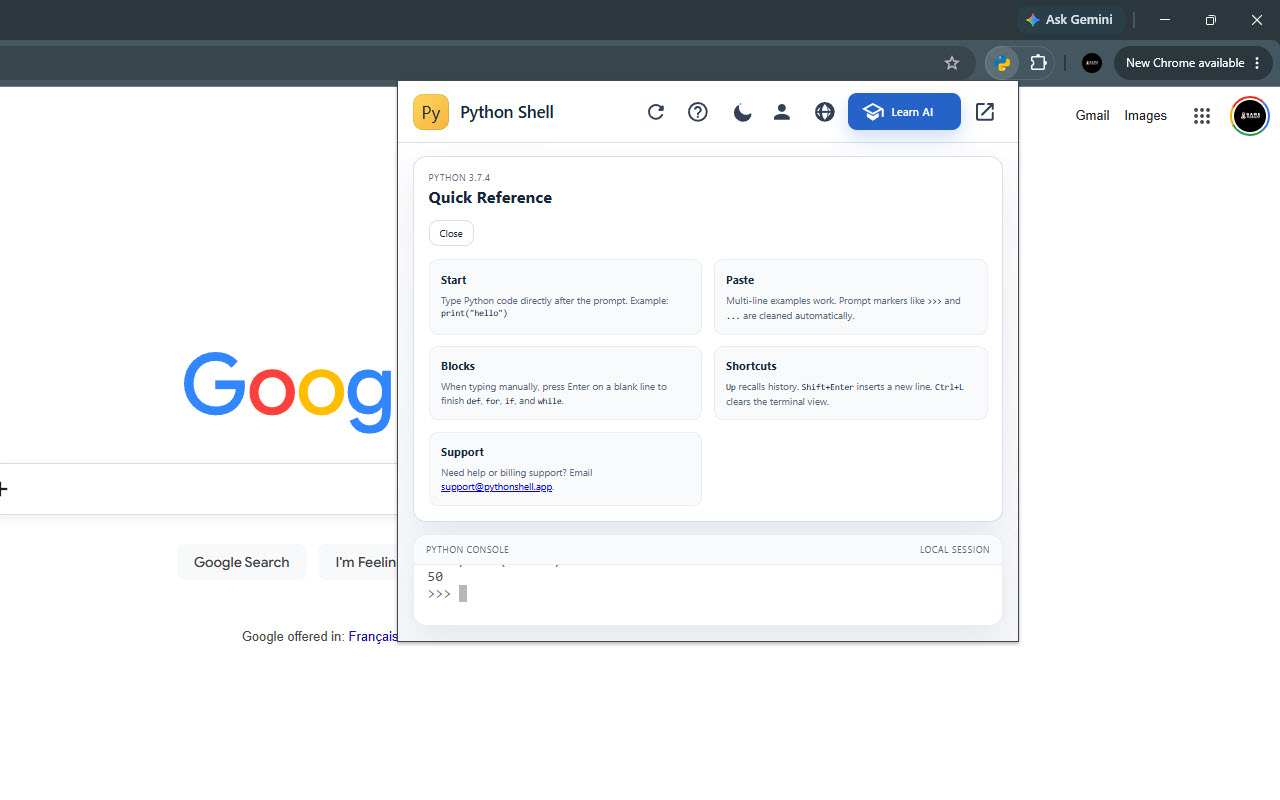
Scorpion Python Shell learning help view
Quick guidance helps new users stay oriented while they practice.